

Understand your facility. Discover the right solution on the map.
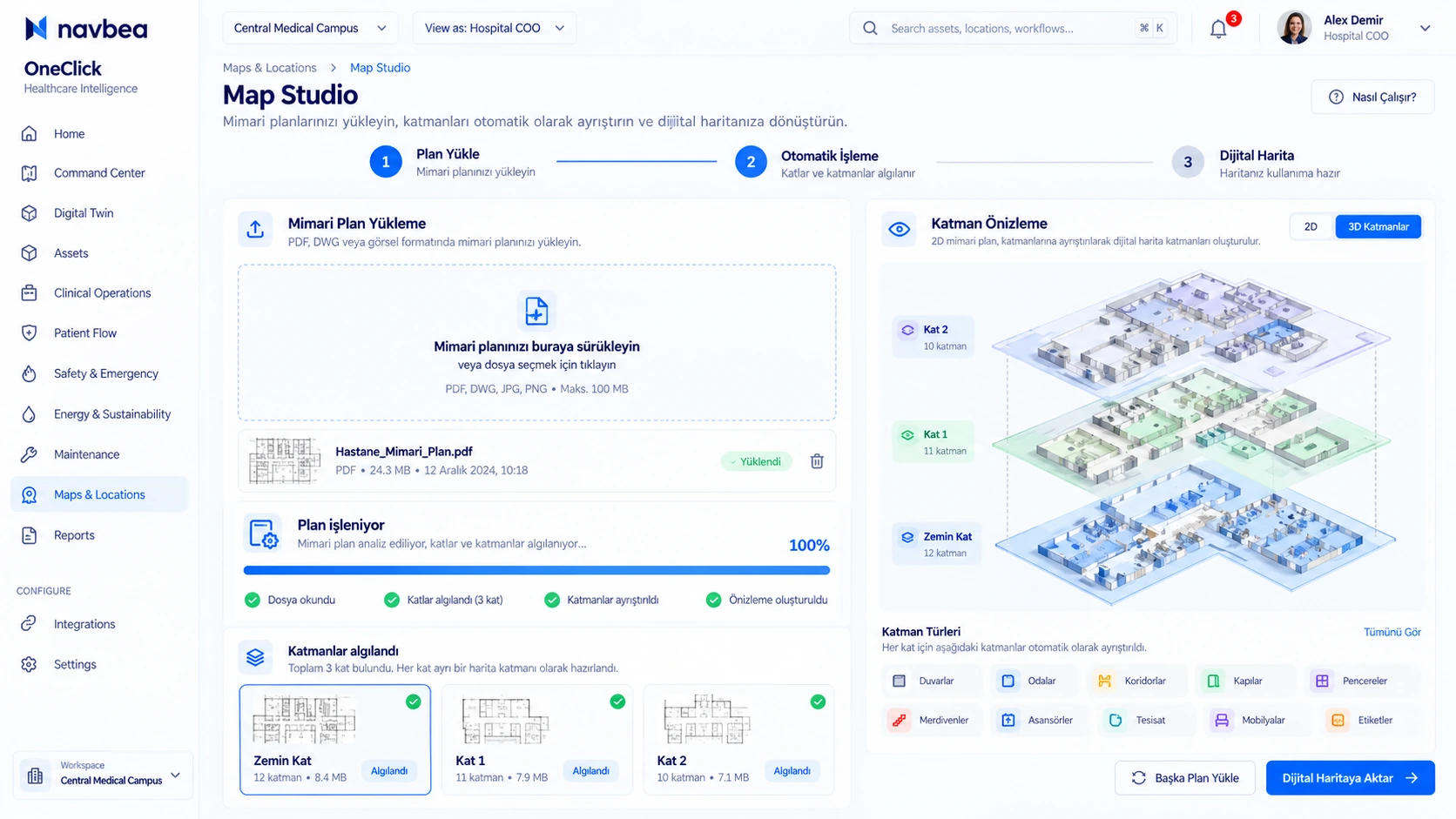
Map Studio examines facility type, physical zones, and data flows together. It presents relevant use cases on the map with clear rationales and data requirements.
1. Upload plan
PDF, PNG, or CAD floor plan
2. Mark zones
Warehouse, shipping, production, shared corridor
3. View on-map recommendations
Zone-level solution and impact suggestions
4. Transfer to pilot or scope plan
Direct start with selected zones
Recommended Points on Manufacturing Floor Plan
Shipping Dock — Forklift–pedestrian intersection & dwell analysis
Why suggested: Loading ramps and pedestrian walkways intersect in the same high-traffic bay.
Recommended solution family: Vehicles & Machinery + Safety & Emergency
Expected impact: Reduce blind-spot collision risk and lower dock dwell times.
Shared Corridor — Bottleneck and dwell analysis
Why suggested: High-density aisle intersections and vehicle routes converge in the shared transition zone.
Recommended solution family: Command & Analytics + Workforce
Expected impact: Spot traffic congestion and transit delays in shared corridors.
Warehouse — Equipment and critical asset search point
Why suggested: Reduces time spent searching for shared handling equipment across large storage zones.
Recommended solution family: Assets + Maps & Navigation
Expected impact: Find required equipment on the map within seconds.
Get started in three steps
Getting recommendations for your facility is easy.
Verify facility type
Choose the facility type matching your industry and operations.
Configure zones
Arrange or import zones across your facility map.
Map data streams
Select existing data sources and map them to facility zones.
Frequently asked questions
Can I start without maps or live telemetry?
Yes. You can explore the sample facility. Without real telemetry, suggestions are demonstrated as potential use cases rather than live metrics.
Can I customize Map Studio recommendations?
You can adjust facility types, zones, and telemetry bindings. Review suggestions individually and add only relevant ones to your plan.